To be able to make changes, ensure that you are logged in.
- Click here to and provide your credentials.
2. Find the post you would like to edit and click on the name to open the editor.

3. Click on the Recipe to open the Recipe editor and add your changes.

This is what the recipe editor looks like
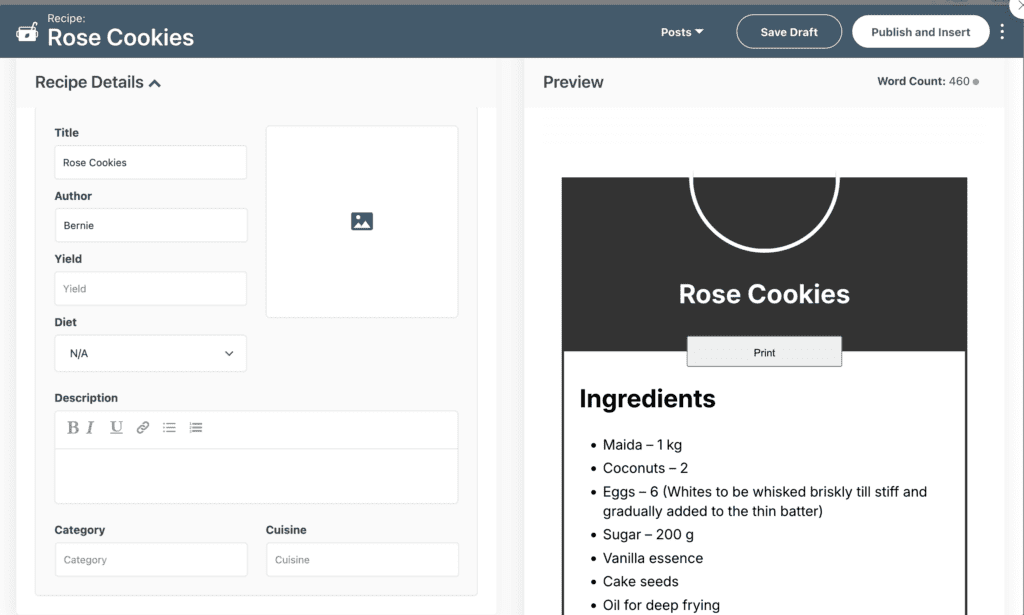
Description:
Add information related to the dish here. This could also be an anecdote.
Ingredients:
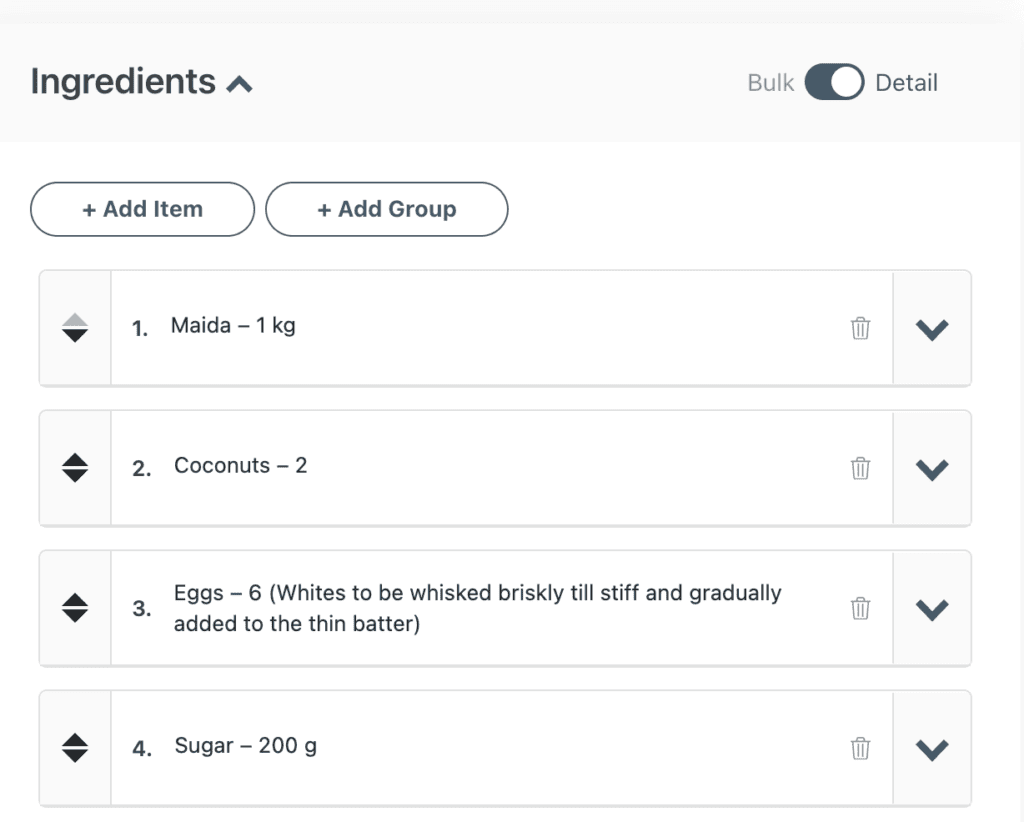
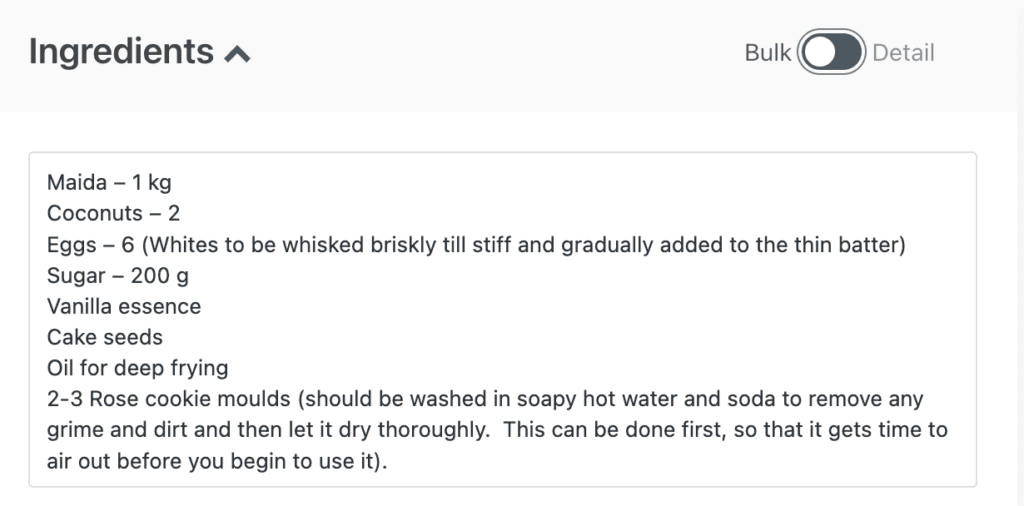
Toggle between bulk and details to switch between different ways of writing out the ingredients.
This is the “Detail” view:
This is the “Bulk” view:
Instructions:
Methods/Steps to prepare the dish
Notes:
Food pairings, substitutions, Things to keep in mind while making the dish.
Instructions and Notes can contain multiple photos and videos as well.
Explore the other fields to add in more details like an image of the completed dish, the name of the chef, etc.
4. Once completed, click on “Publish & Insert”